dataflair Console
One control panel,everything in hand
Control servers, manage IP networks, tune DDoS protection and download invoices. See the Console here before you sign up.
Tool
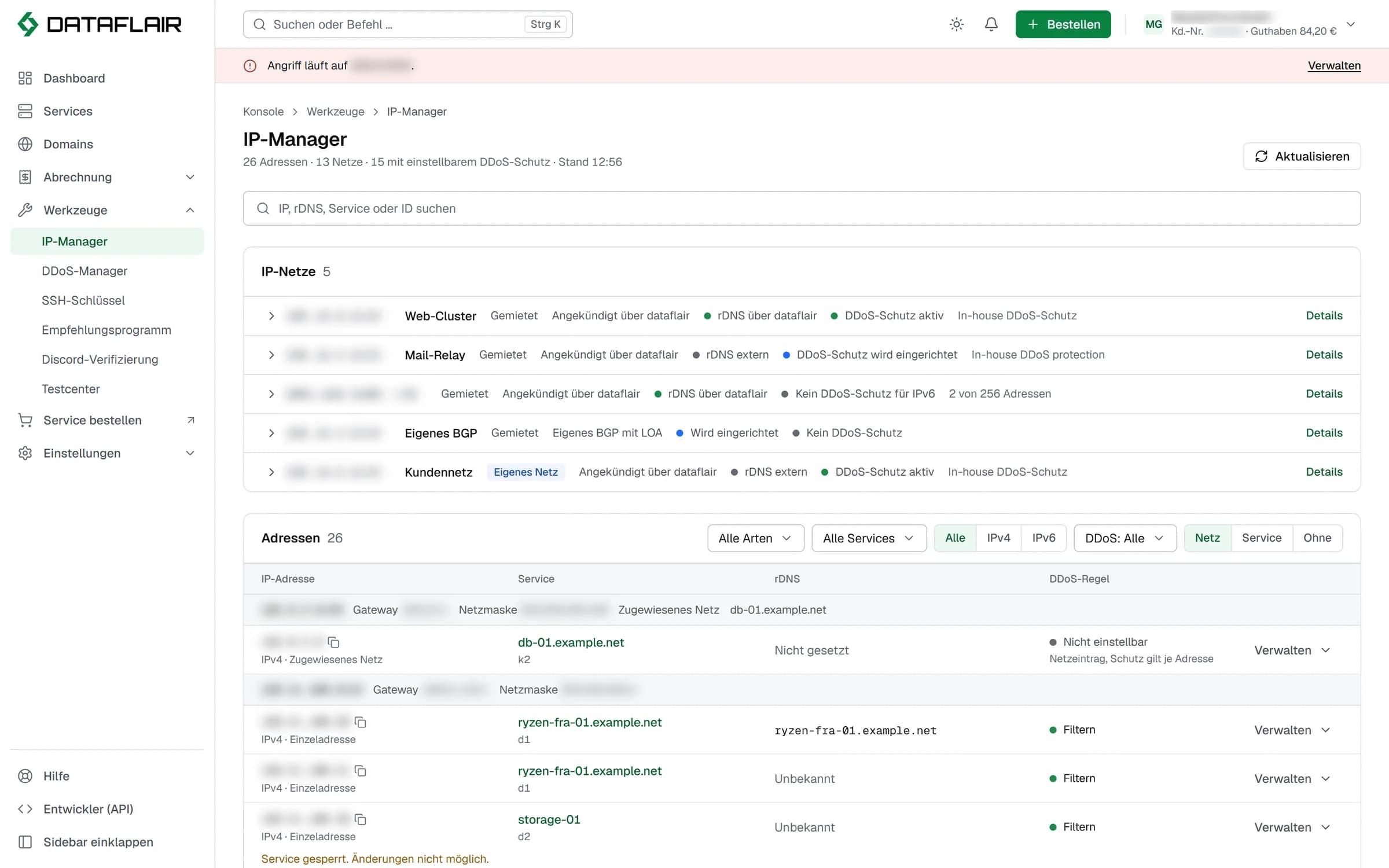
IP manager
Every address and network in your account in one list, with assignment, reverse DNS and DDoS rule per address.
Assign
Map IPv4 addresses and IPv6 networks to a server.
Reverse DNS
Set rDNS per address right in the list.
Usage
See how many addresses are in use per network.
Tool
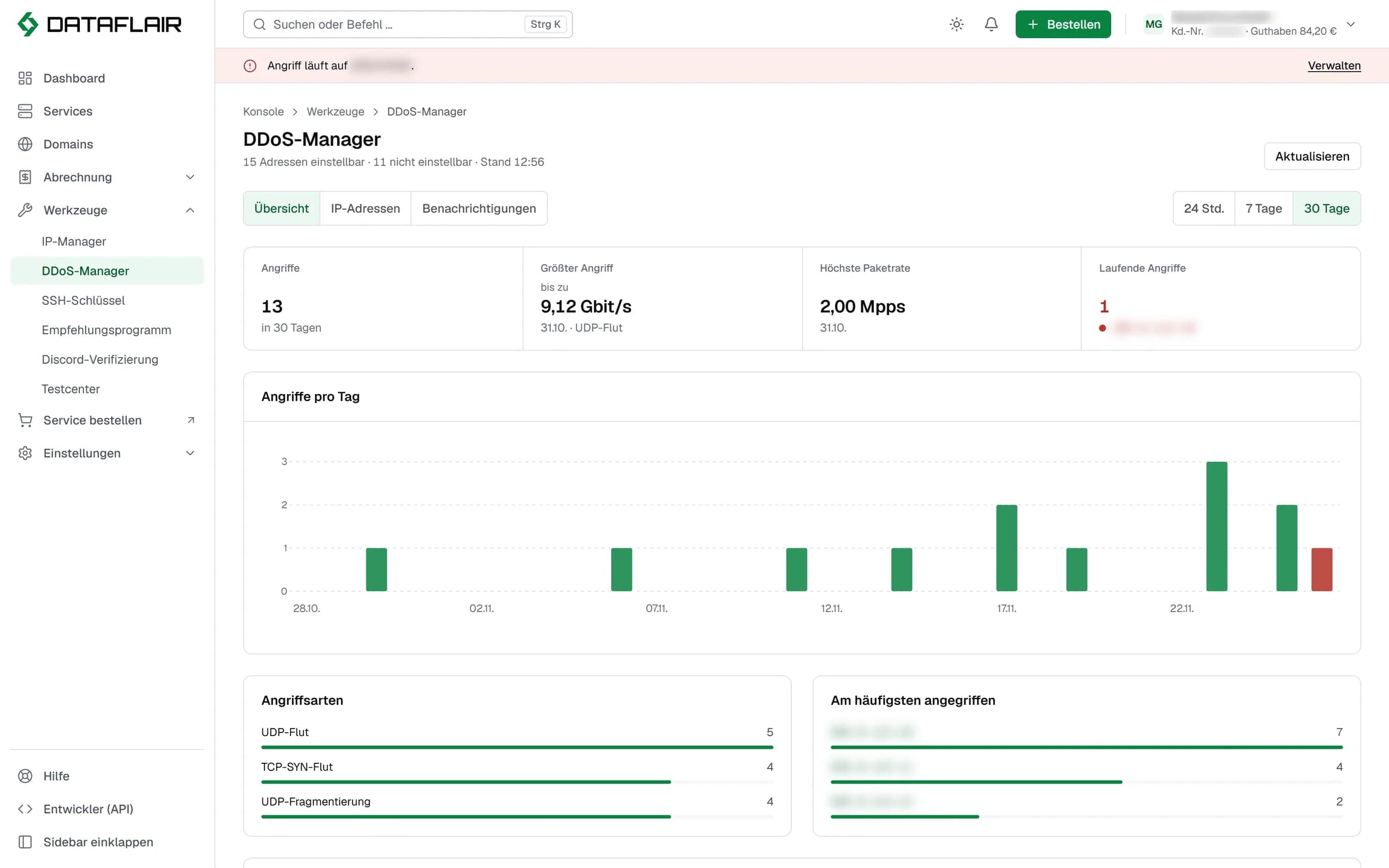
DDoS manager
Detected attacks, attack types and the most targeted addresses at a glance, with protection per address.
Overview
Attacks per day for 24 hours, 7 or 30 days.
Per address
Set protection for every adjustable address.
Details
Review history, type and volume of each attack.
Tool
Notifications
You decide which events are reported and where: by email or as a webhook to your own systems.
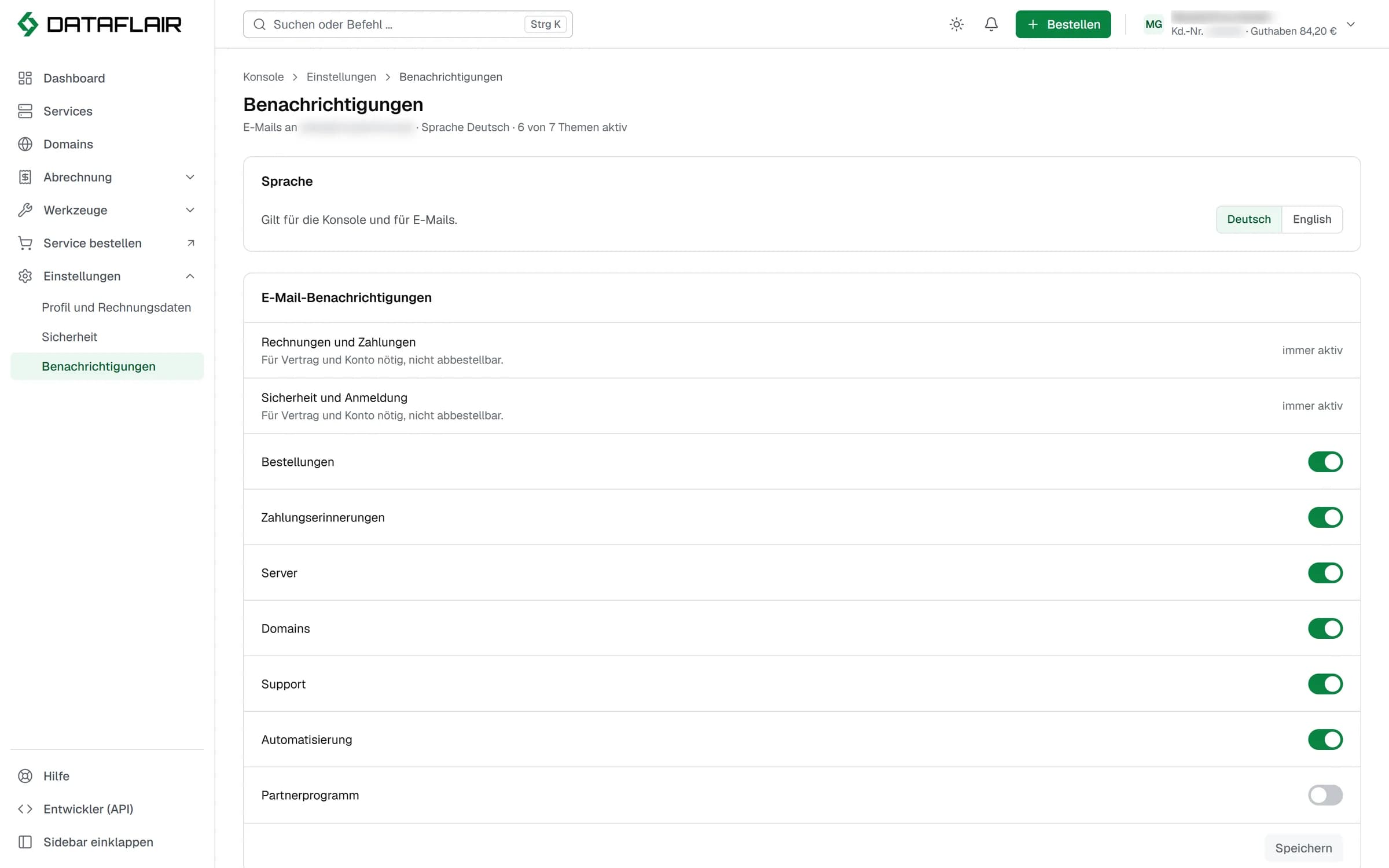
Email
Alerts to the address of your account.
Webhook
Forward events to your own systems.
Your choice
Only the events you actually need.
Every area of the Console
Control servers, manage IP networks, tune DDoS protection and download invoices. One interface.
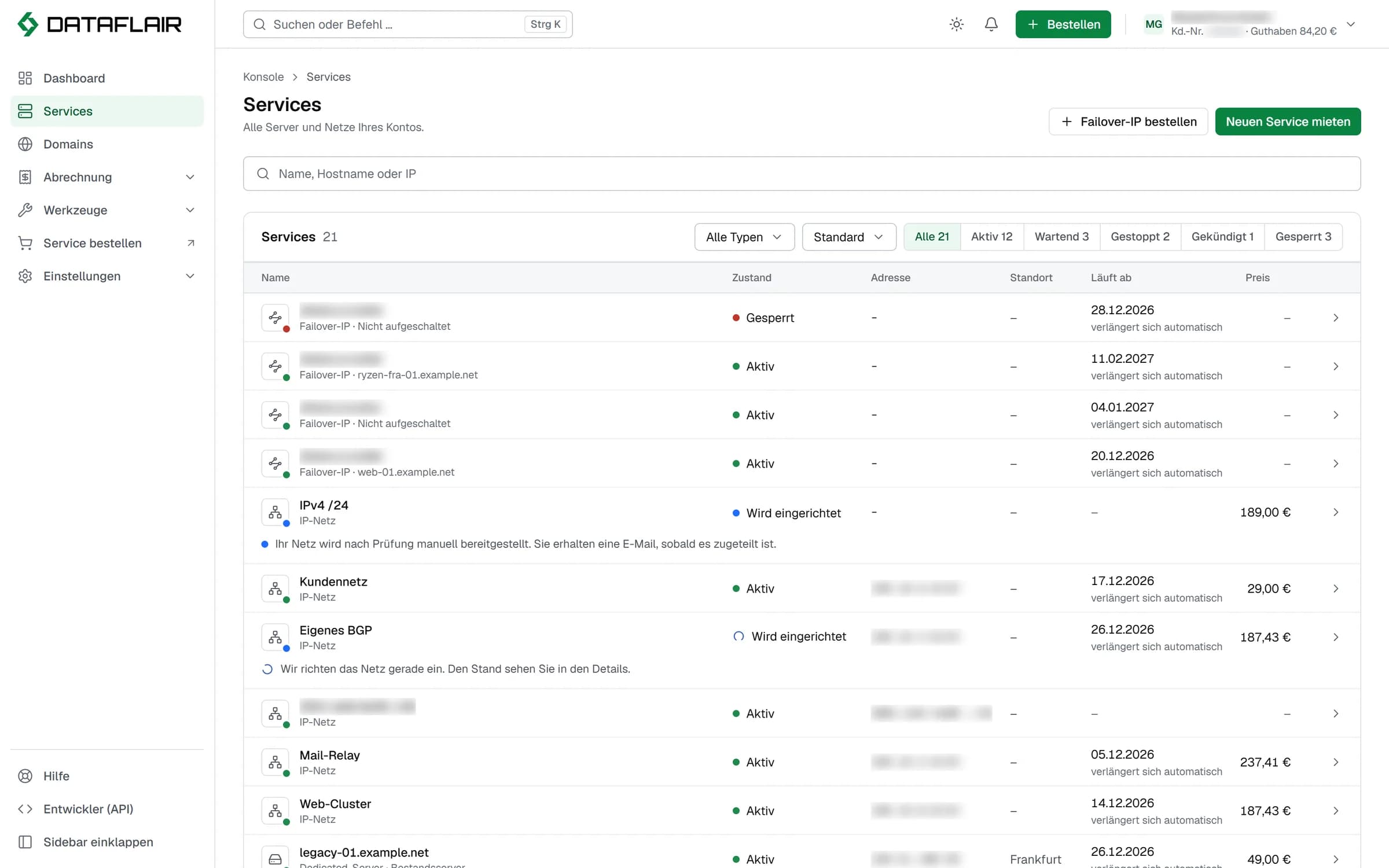
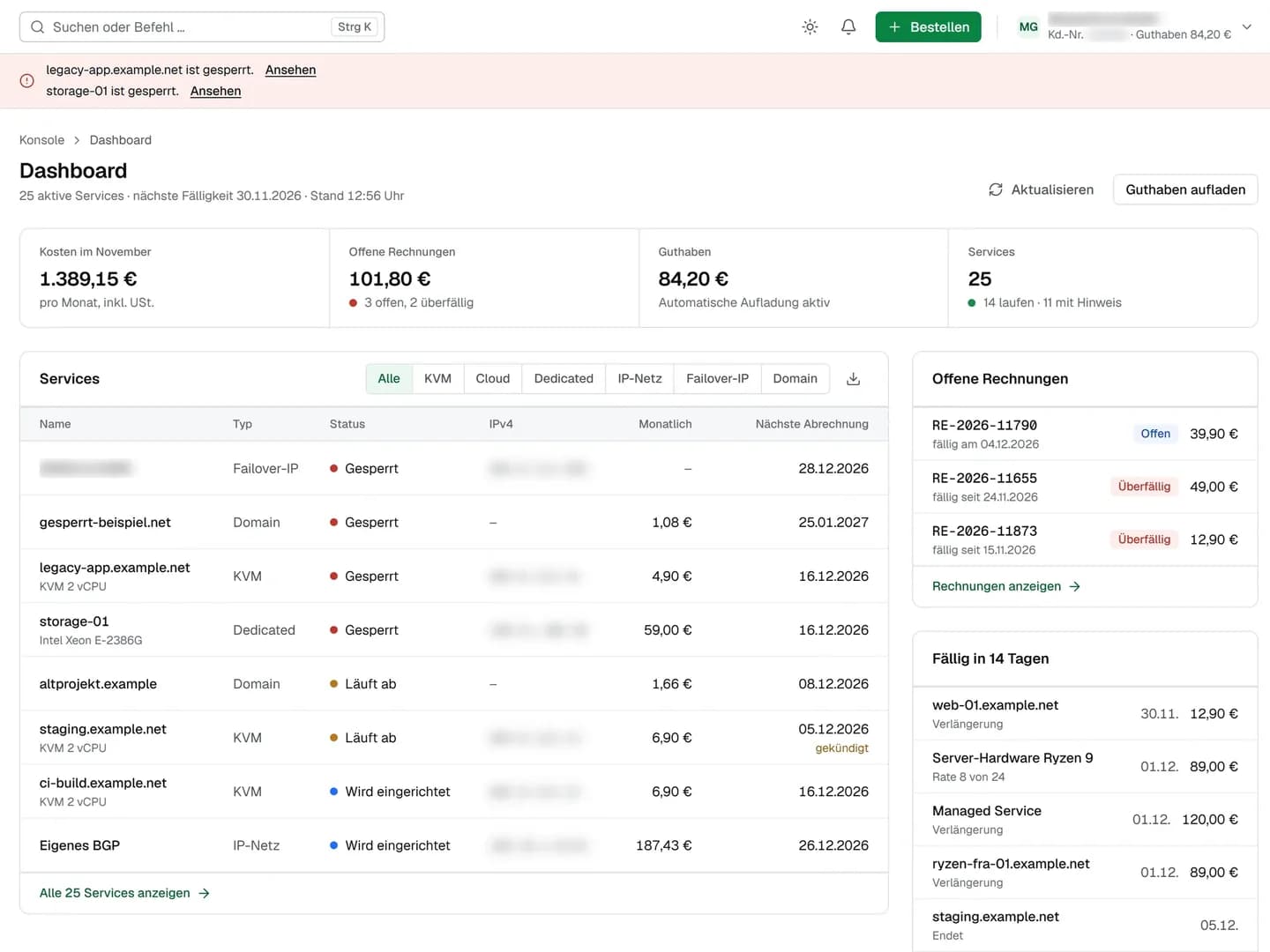
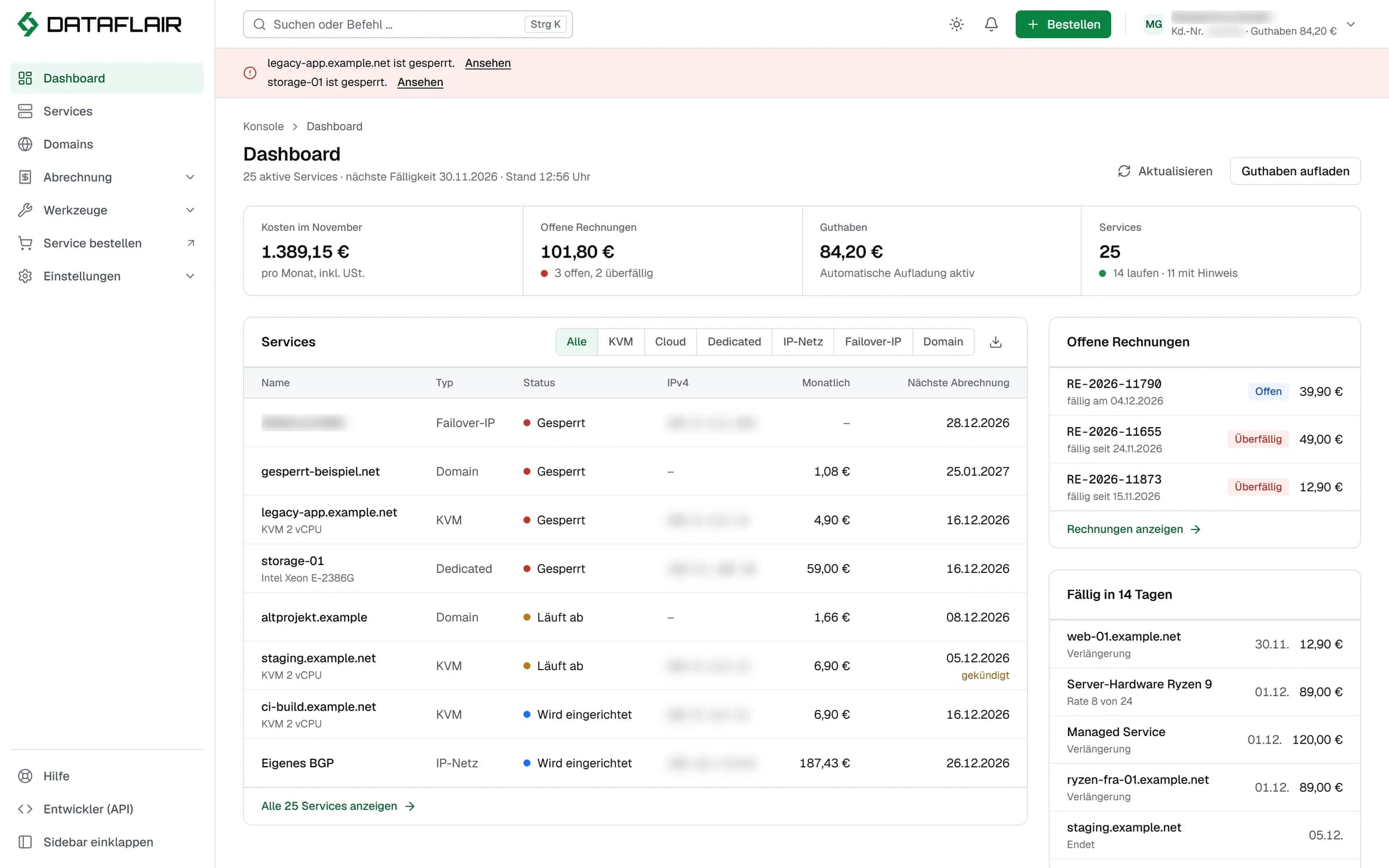
Everything important at a glance
Running servers, credit balance, open invoices and upcoming renewals are right on the home screen.
Sign up for free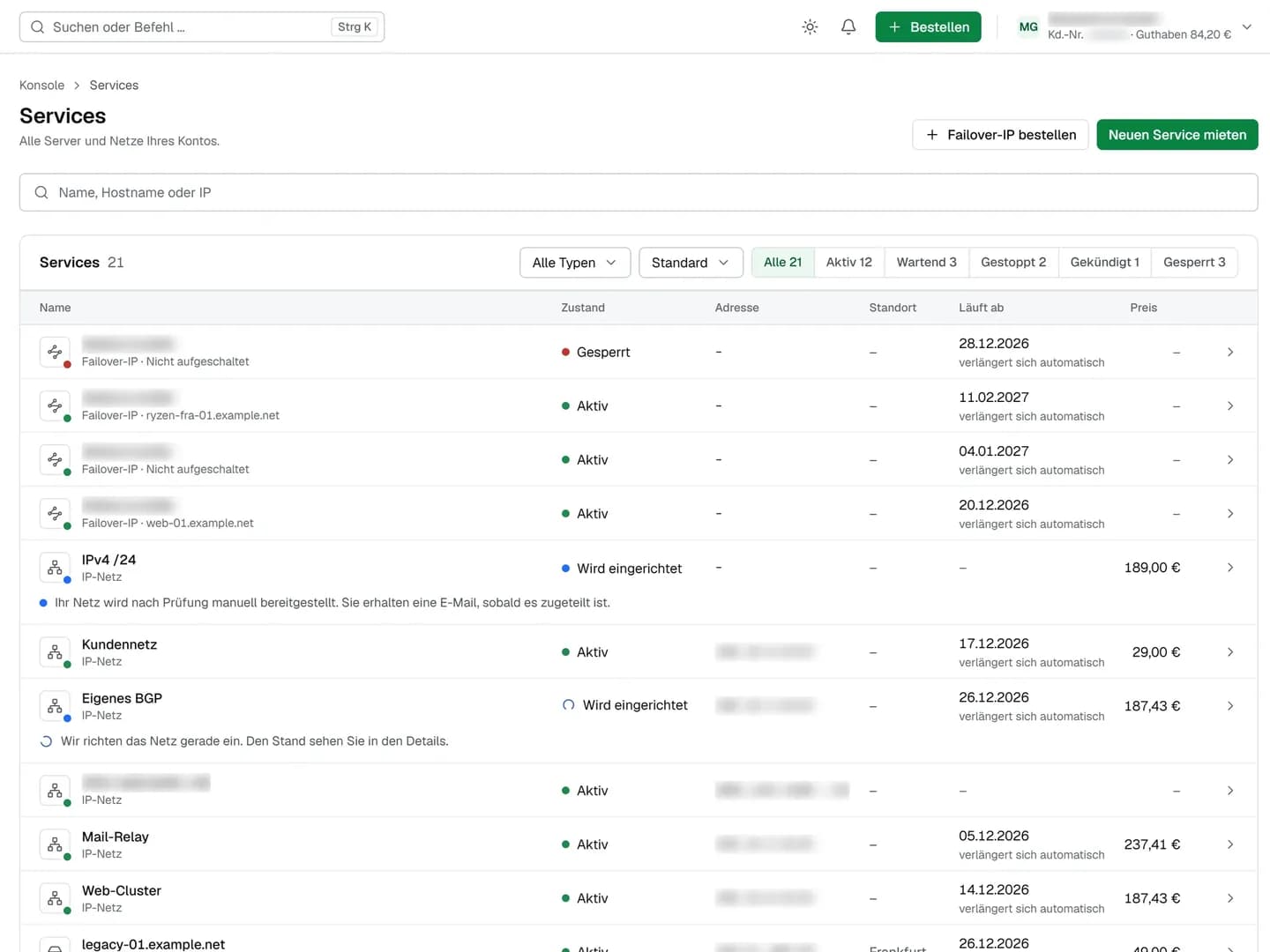
All contracts in one list
KVM servers, dedicated servers and domains with status, term and price.
View KVM plans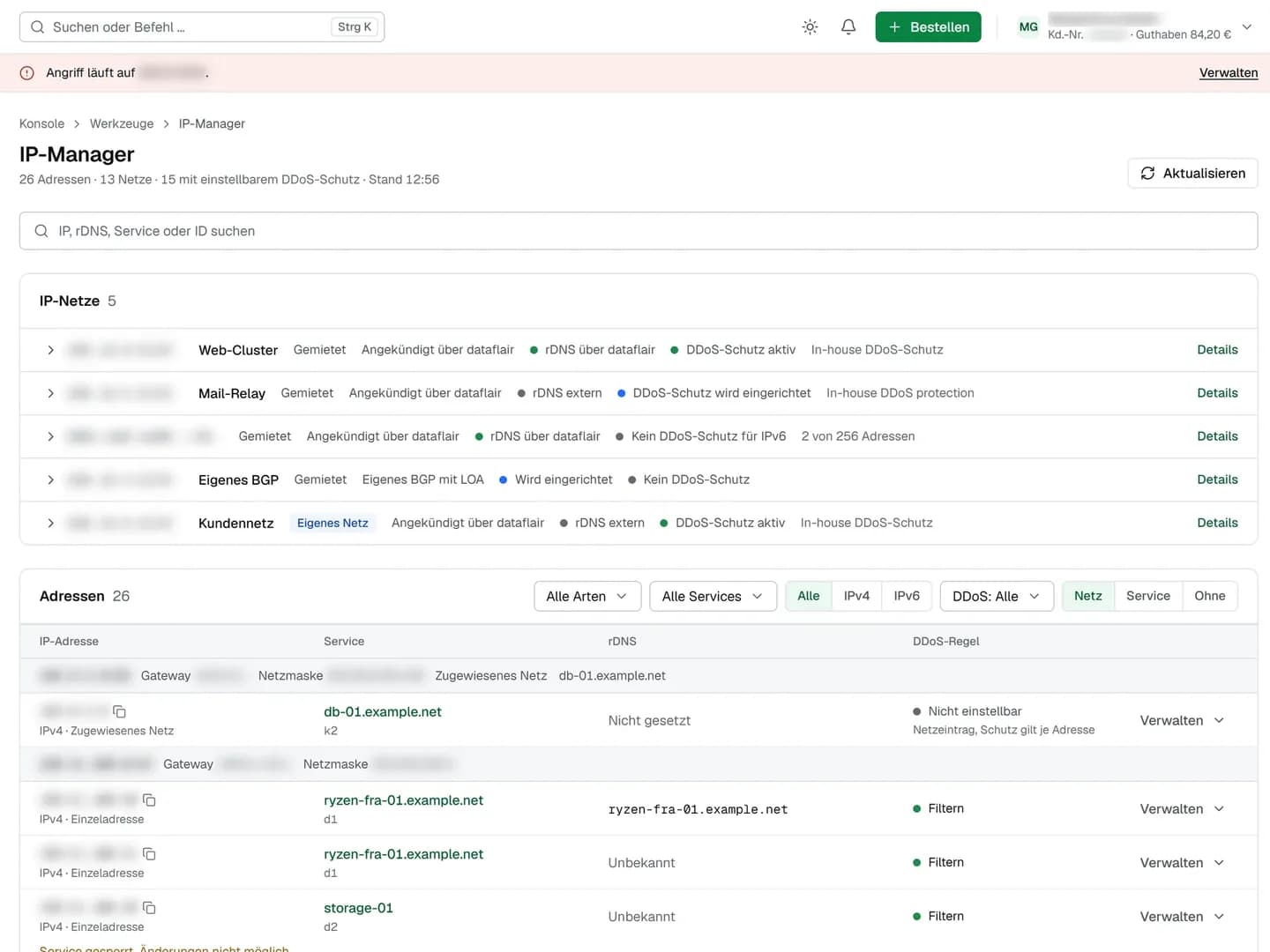
Manage addresses and networks yourself
Assign IPv4 addresses and IPv6 networks to a server, set reverse DNS and see usage per network.
More on IP networks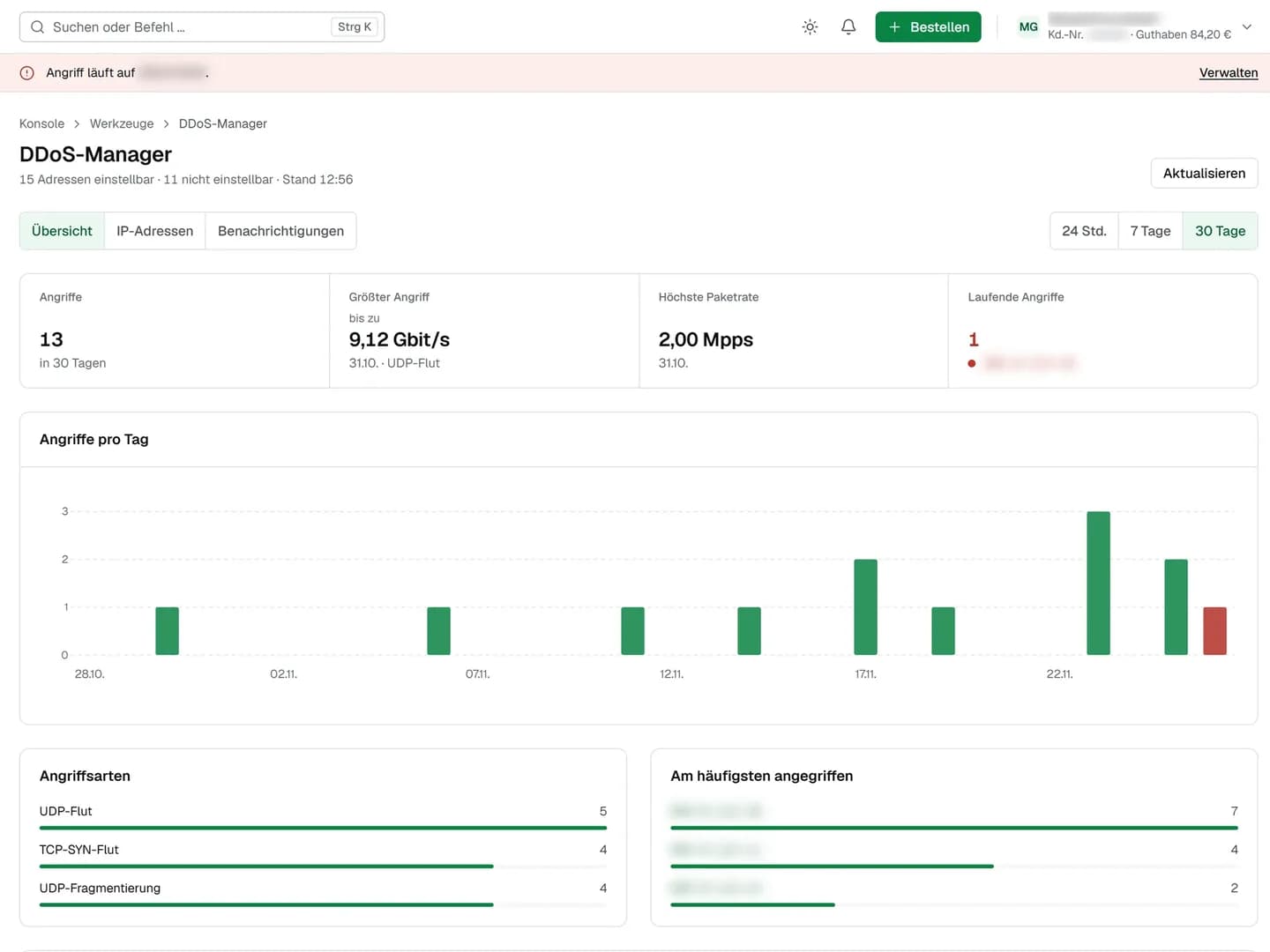
Tune DDoS protection per IP
Set protection per address and review detected attacks with time and volume.
More on DDoS protection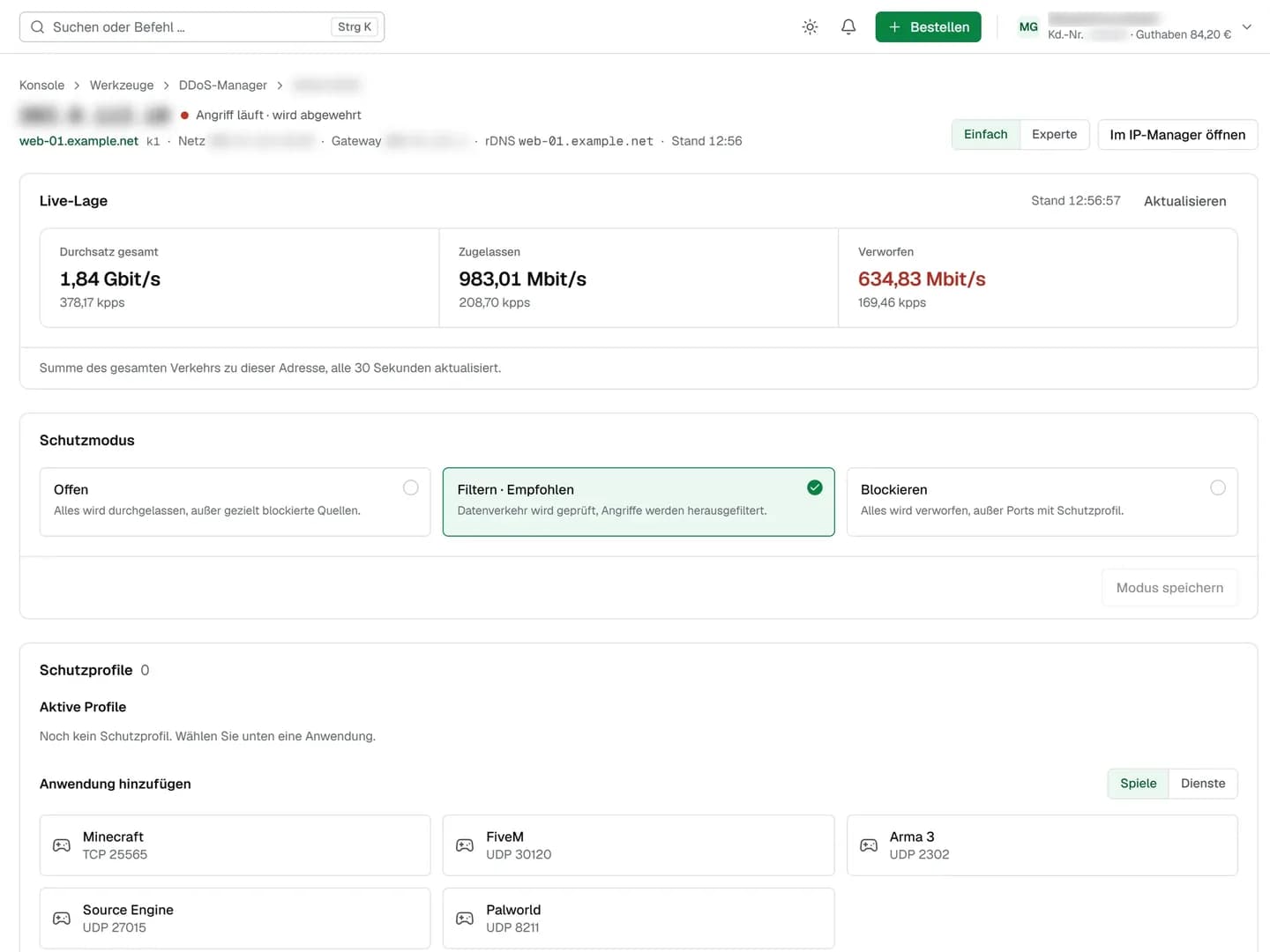
Understand every attack
Traffic history, attack type and filtered volume for a single address.
More on DDoS protection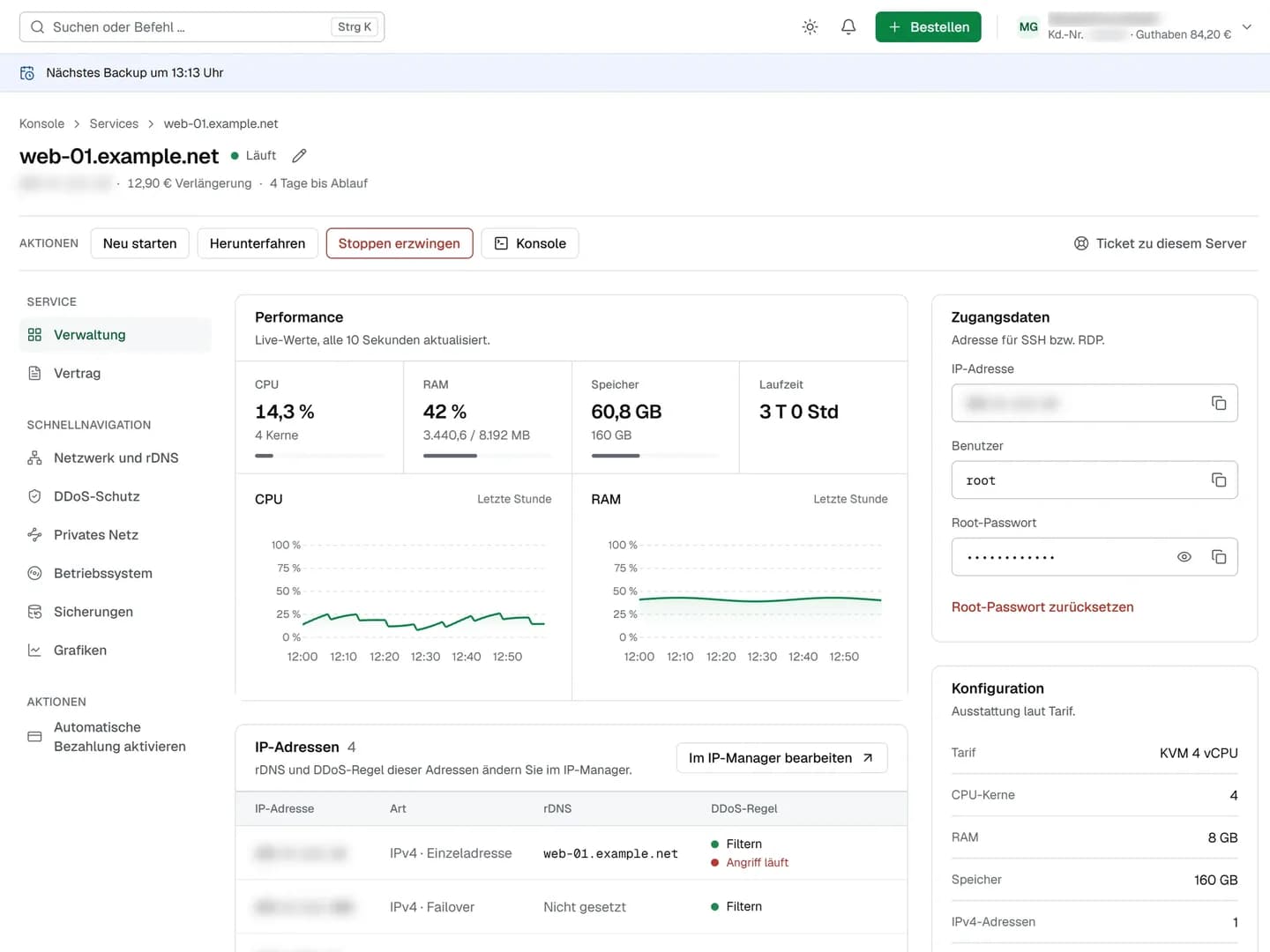
Full control of the server
Restart, shut down, open the console, operating system, backups and DDoS protection in one place.
Instantly available servers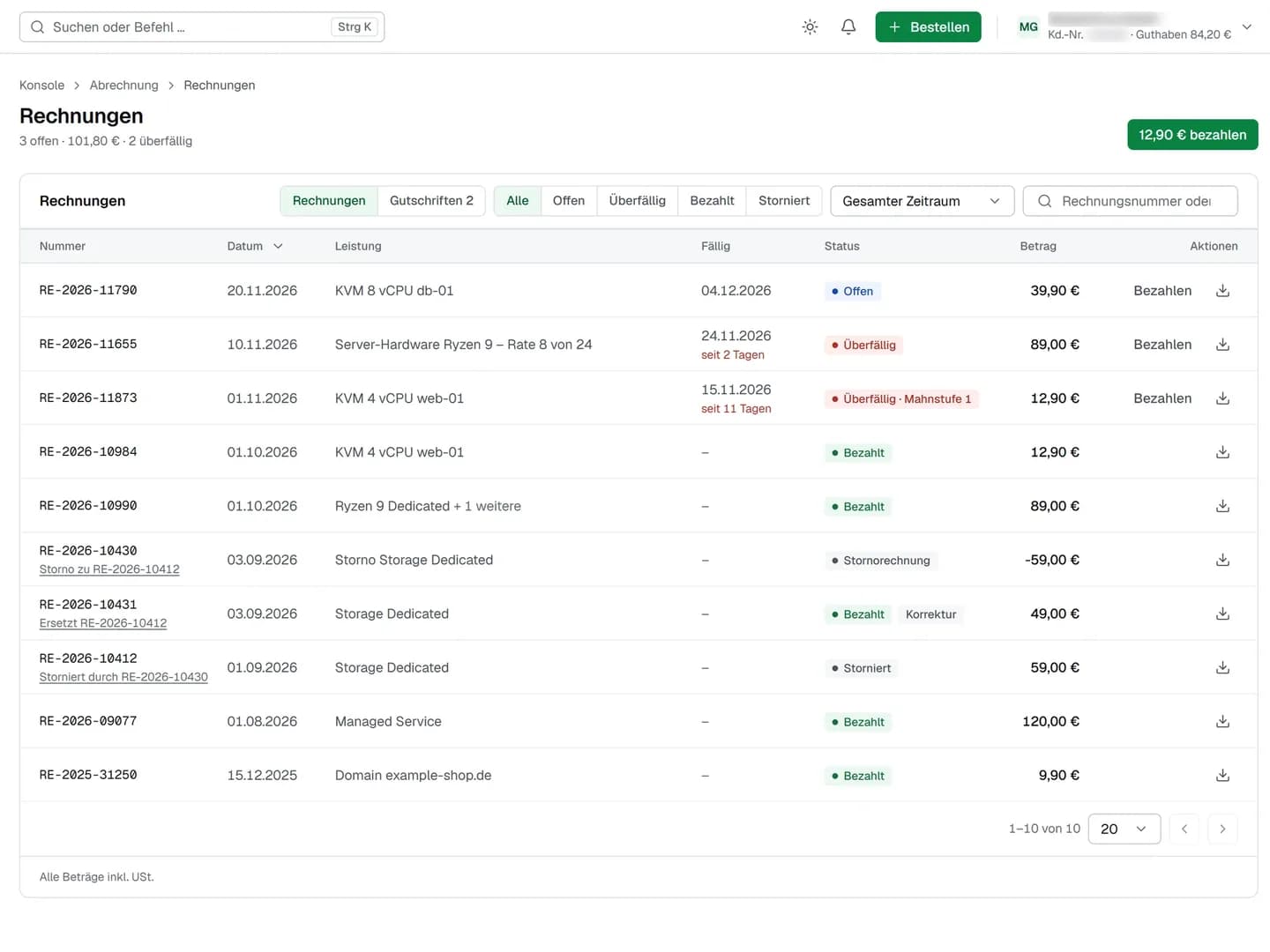
Invoices and credit under control
Download invoices as PDF, top up credit and see what it was spent on.
For business customers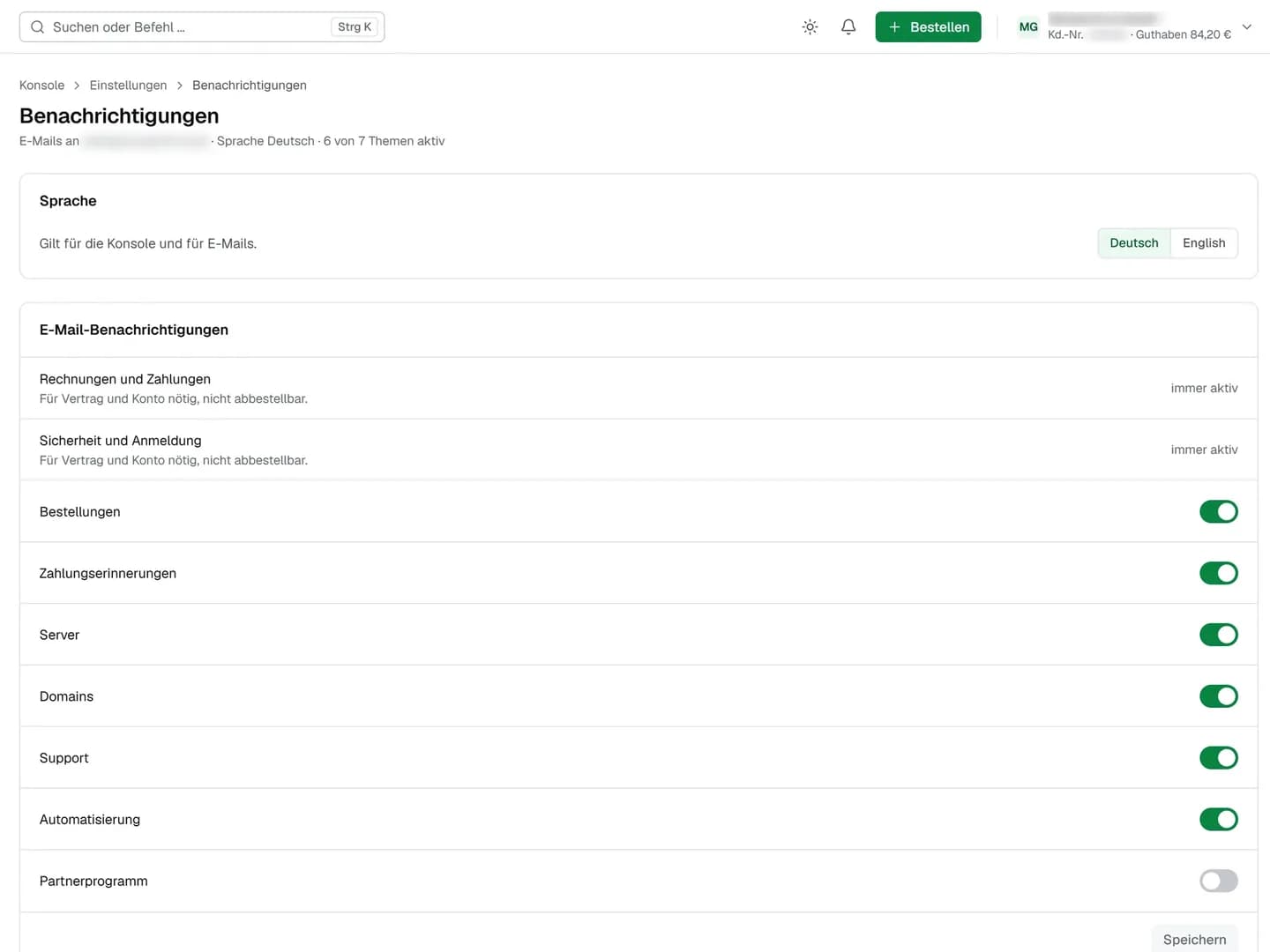
Alerts where you work
Decide which events are sent by email or webhook, for example a detected attack.
See API & MCP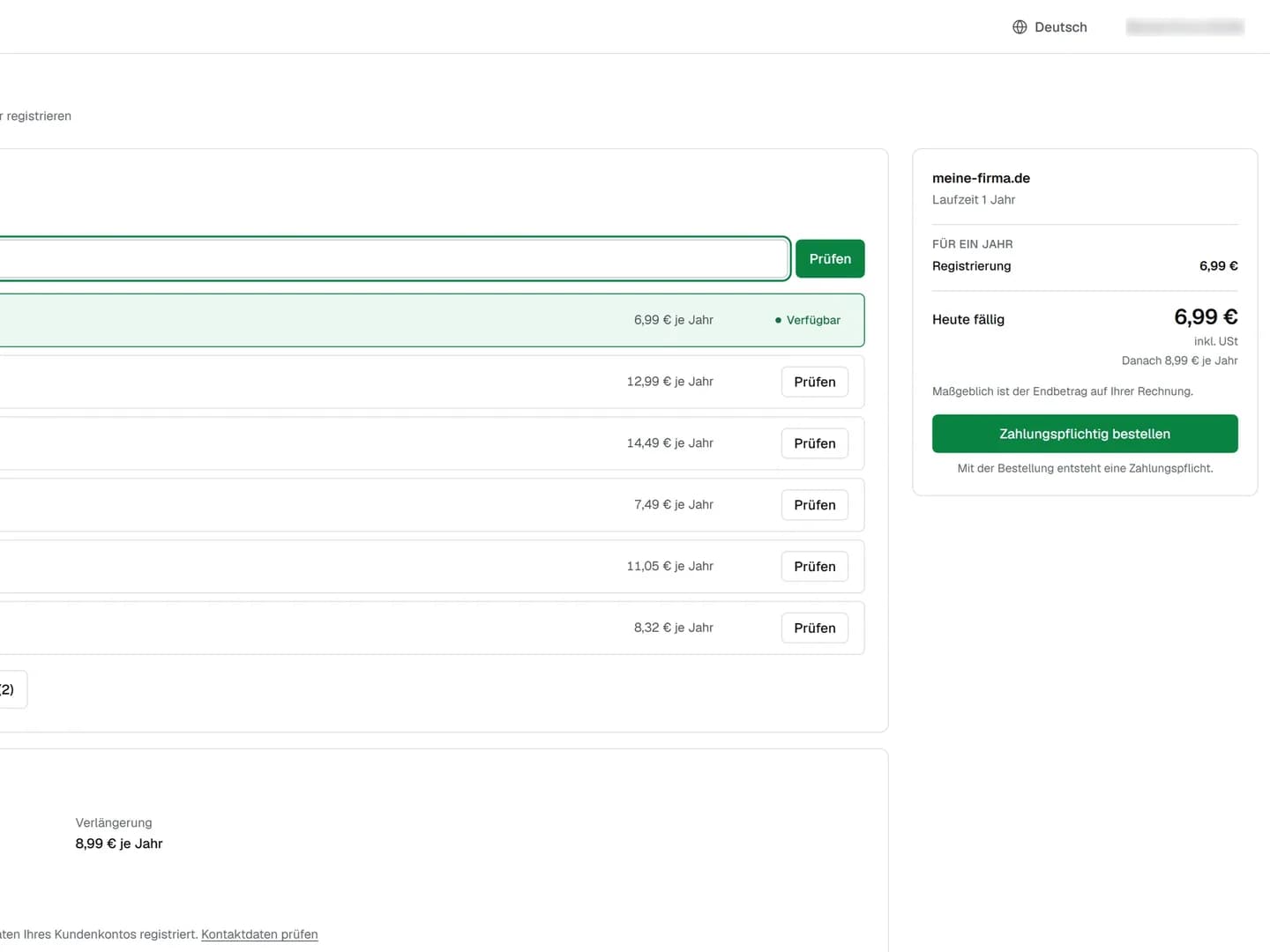
Check and order a domain
Check a name, pick an extension and add the domain straight to your account.
Check a domainAlso without the interface
Everything the Console does can also be controlled via REST API or MCP.
Questions about the Console
More answers in the FAQ.